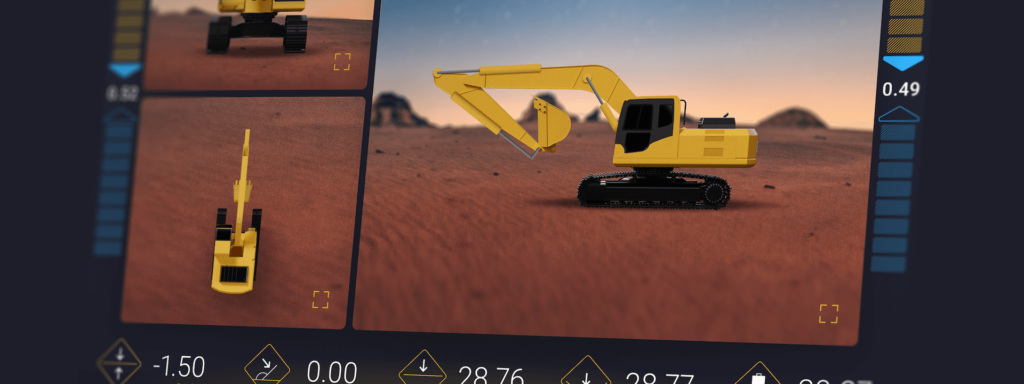
MicroHMIs : maîtriser la complexité


In a world driven by rapid technological evolution, the MicroHMI architecture can be a true game-changer. Some time ago, a new and groundbreaking concept took centre stage in the sector of Human Machine Interfaces (HMIs), namely – MicroHMI. The microservices model inspires this new approach, and it reimagines how we design interfaces between humans and machines. In this article, we will show you what MicroHMIs are about and why you should be interested in them.
In general, MicroHMIs break down the interface system into smaller, independent components. This strategic breakdown fosters a modular structure where each component handles a specific task. As a result, development becomes more efficient, maintenance simpler, and adaptability heightened, making MicroHMI a worthy tool for everyone in the automotive, medical, and electronics sectors.
Mais commençons par le début.
Qu'est-ce que l'architecture MicroHMI ?
L'architecture MicroHMI constitue un moyen de créer une compréhension large HMI (Human Machine Interface) in an approach similar to the well-known microservices. With MicroHMIs, the development team can separate individual layers and parts of our system, on which they can next work in smaller teams, making it possible to work in parallel and independently, implementing further functionalities of the software created.
Où MicroHMI peut-il être utilisé ?
Dans cette approche, l'interface utilisateur d'un appareil ou d'un système est simplifiée et épurée pour ne conserver que les éléments et les interactions les plus essentiels. Cela étant dit, MicroHMI peut être utilisé avec succès dans les applications suivantes :
- Systèmes IT industriels: MicroHMI s'avérera efficace pour le contrôle des machines et la surveillance des processus.
- Dispositifs médicaux: Les équipements médicaux nécessitent souvent des interfaces simples et claires pour garantir que les utilisateurs (par exemple, les infirmières ou même les patients) puissent les utiliser seuls, sans risque d'erreur.
- Électronique grand public– Retour vibrotactile – utilise de subtiles vibrations, couramment présentes dans les téléphones et les appareils portables.
- Applications et systèmes automobiles: Lastly, MicroHMI can be used in vehicles, especially in situations where the driver should be minimally distracted; MicroHMI can be employed to display critical information and controls without overwhelming the driver with unnecessary features. That’s exactly what we wanted to achieve in our Wavey model, which we will discuss shortly.
Architecture MicroHMI dans un projet commercial
L'architecture MicroHMI peut être utilisée dans un certain nombre de cas dans des projets commerciaux. Le choix est souvent dicté par la nature du travail et l'environnement de développement d'un grand projet difficile à maintenir en tant que monolithe.
One of the commercial users of MicroHMI technology is a leading passenger car manufacturer. Their entire system is divided into dozens of applications and services, managed by separate teams with their repositories. To deliver dependencies in the development environment, they use Conan. Thus, individual components are delivered as ready-to-use packages.
Building the finished system looks different. The entire application is completed using Yocto, and each team creates and maintains recipes defining the components for which it is responsible. Communication between applications and services occurs via standardised and well-defined interfaces generated from IDL files, like Thrift or QFace.
L'architecture MicroHMI dans un projet aussi vaste comportant de nombreux composants, souvent indépendants les uns des autres, facilite la répartition des tâches et des responsabilités entre les équipes.
Quels sont les avantages de l'architecture MicroHMI ?
Divide and conquer is a common way of solving a big problem by breaking it down into smaller “subproblems”. That’s what MicroHMI offers, and it’s by far the biggest advantage of this solution. MicroHMI enables the division of the system into smaller “blocks”, which makes it much easier to manage the project, easier to expand, and less complicated. What’s also significant is that with MicroHMI, it’s easier to divide work into smaller teams. As a result, there are fewer conflicts, several stages of the work can happen simultaneously, and the work goes smoothly.
C'est encore une idée très récente, mais MicroHMI peut même être utilisé dans des projets de R&D. C'est ce que nous avons décidé de faire avec notre projet – Wavey. Mais là encore, commençons par le début.
Pourquoi utiliser une telle architecture dans un projet de R&D ?
We wanted to try something new here at Spyrosoft. Together with the MicroHMI architecture, we also decided to use the Dual-Track Agile methodology, which, simply put, allowed us to work closely with the development team and designers. This, in turn, allowed us to quickly introduce changes and adjustments at the development stage, and not only in the verification process. Moreover, this approach made it possible to combine the discovery phase with the implementation phase.
What we did was also the direct result of our client’s needs. Often, older, “proven” methods make it harder for us to stop and actually think at the early stage of creation whether what we are about to deliver is an appropriate and matching element of our system. More often than not, we rush at first and try to deliver as much as possible, only to stop after some time and think about what part of it is really useful and what we should discard. We wanted to try and stop this “vicious circle”.
Guider la sélection des techniques des Annexes A et B pour atteindre la capacité systématique logicielle.
Wavey : un système IVI construit à partir de MicroHMI
Wavey est notre projet de R&D. En substance, il s'agit d'un IVI – système d'infodivertissement embarqué, basé sur Android Automotive et technologies Qt. Wavey is our way of creating an innovative IT system in a car that can be controlled through the screen, recognising gestures and interactions, placed in the middle of the console in the car. There is also a large, panoramic screen on which the entire system can be displayed.
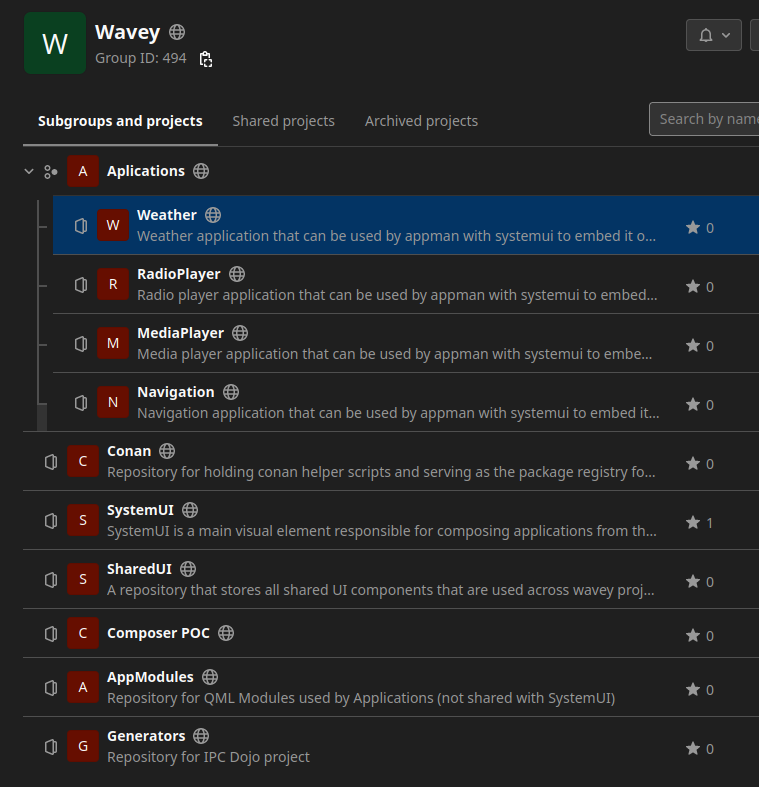
The essence of this idea is to operate the entire system without taking your eyes off the road – the gesture screen allows you to perform all actions in the system, and the panoramic screen itself is only used to display the system and user interaction (it is not touch-sensitive).
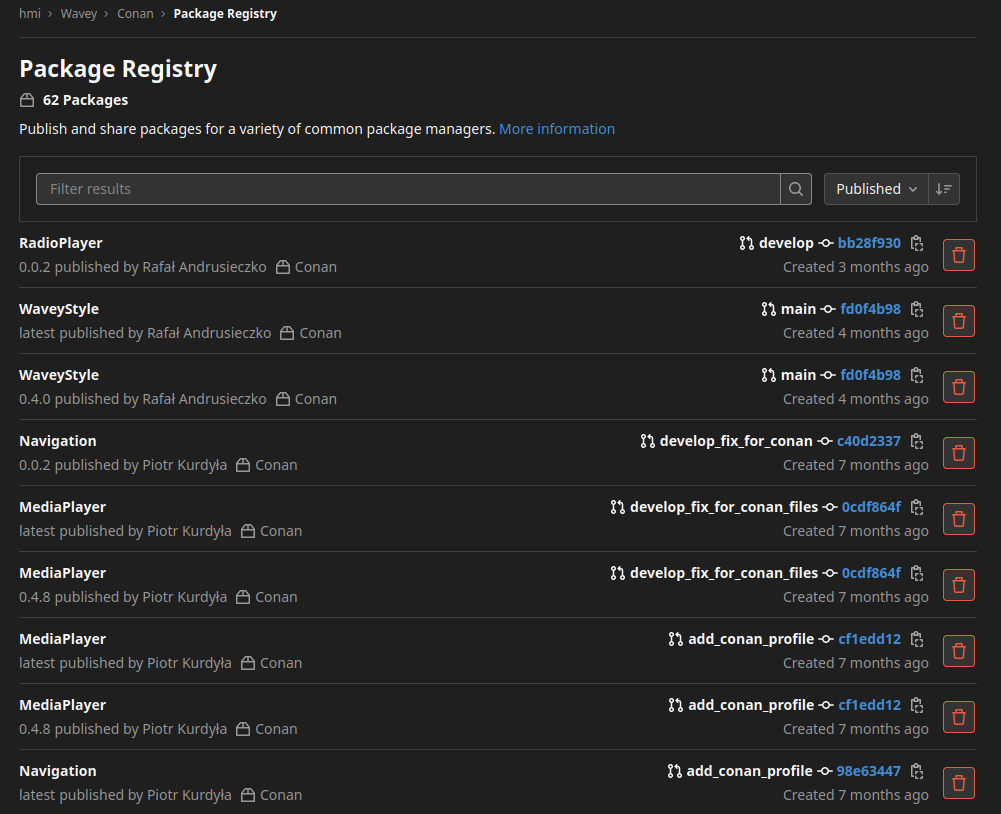
In fact, this project was very interesting and promising in terms of architecture and the phase of its development. We divided Wavey’s repository into smaller repositories, where each repository was responsible for a single and independent part of the system, just like in the microservices architecture (e.g., applications, system base, shared components, etc.).
We decided that each repository would generate packages, which were then automatically downloaded to the main repository (SystemUI). For this, we used a popular tool called Conan. The project was placed on the Qualcomm SA8155P board, which was based on Android Automotive.
The application management system we used is a Qt module called Qt Application Manager. We also used AppMan, a solution that allowed us to run both applications written by us in Qt and native Android ones. An equally important module that we used is the Qt Interface Framework – a module used to create and generate middleware code in a very short time. Thanks to this solution, we were able to connect the business logic with the visual layer.
Quels ont été les défis liés à ce projet et à MicroHMI ?
The initial stage of the project was especially tricky; inventing the whole thing, preparing the entire system architecture, and setting up CI/CD, iterative refinement of the database took some time and work. At first, we felt that this was overkill – our approach required more work compared to a classic monolith architecture.
However, over time, we have noticed the benefits of this solution and gained a lot of experience and valuable knowledge, which we try to pass on and use in other projects in which we participate. Moreover, the ease and speed of getting new people on board each new project proved that carrying out more work in the beginning was definitely worth it!
En conclusion
The MicroHMI architecture provides a lot of amazing benefits, including flexibility, scalability, and ease of modification. What’s more, this solution enhances usability, especially when it comes to automotive systems, industrial controls, and consumer electronics. It reduces user errors, speeds up interactions, and ensures transparent and efficient communication between humans and machines. The result? Full usability and unmatched user experience.
Pour ces raisons, les conceptions d'IHM les plus efficaces allient souvent le tactile au retour haptique. Contactez-nous ou consultez notre Services de développement HMI si vous souhaitez en savoir plus ; nous serons ravis de vous montrer la démonstration de notre système et de parcourir le concept et les idées qui le sous-tendent.


arrow_circle_rightContactez-nous
Construisez une solution HMI qui offre une expérience fluide à vos clients

Przemyslaw Krzywania
Directeur HMI
arrow_circle_right Nos articles